Akarnu – Focus Mode for Notion
For overwhelmed solopreneurs who plan in Notion but struggle to start.
You have 47 open tabs.
An endless Notion to-do list.
And you've been staring at your screen for 20 minutes.
Akarnu gives you one thing:
A quiet room to start NOW.
No account needed. Works with your Notion instantly.
Does this sound familiar?
Your tools just weren't built for brains like ours.
Notion is perfect for planning.
But when it's 2 PM and you've accomplished nothing?
It just makes you feel worse.
How Akarnu works
1. Choose any task in Notion
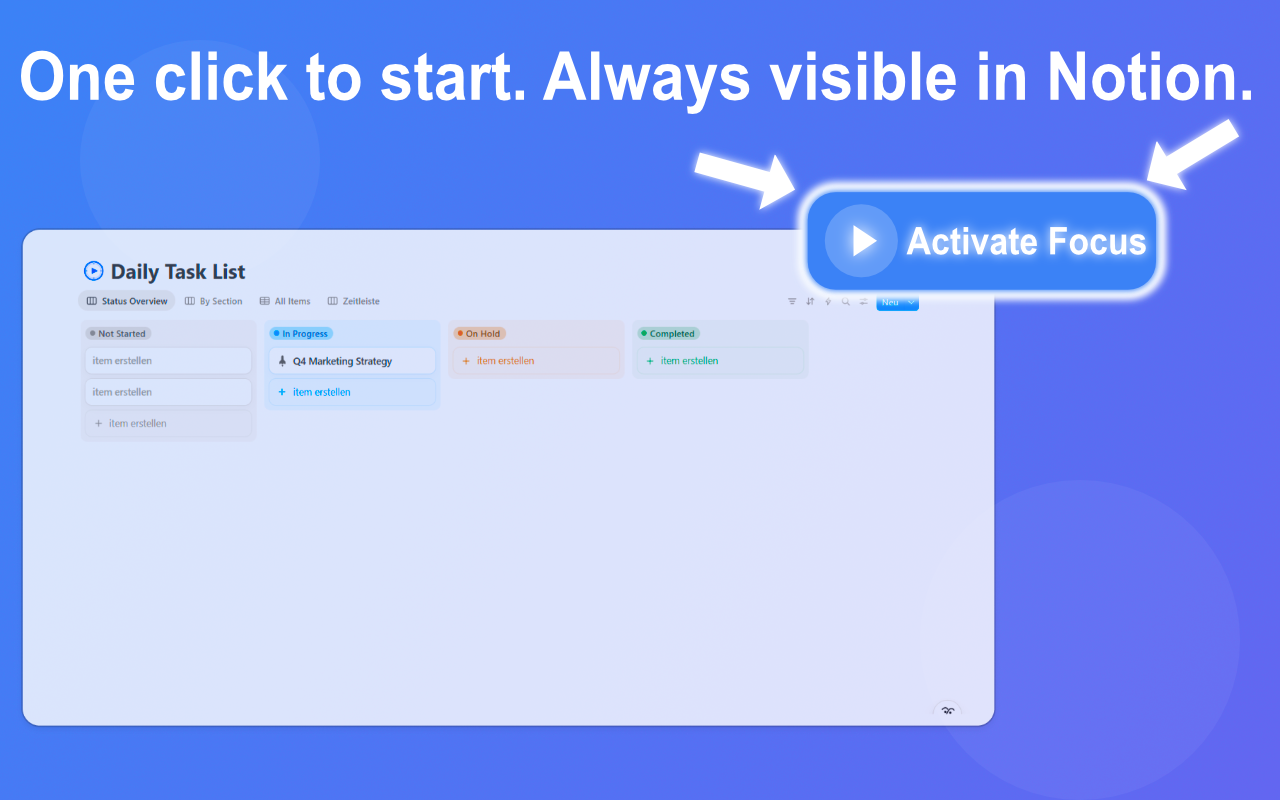
Open your Notion workspace. Click the Akarnu button. Select any task from your to-do list.
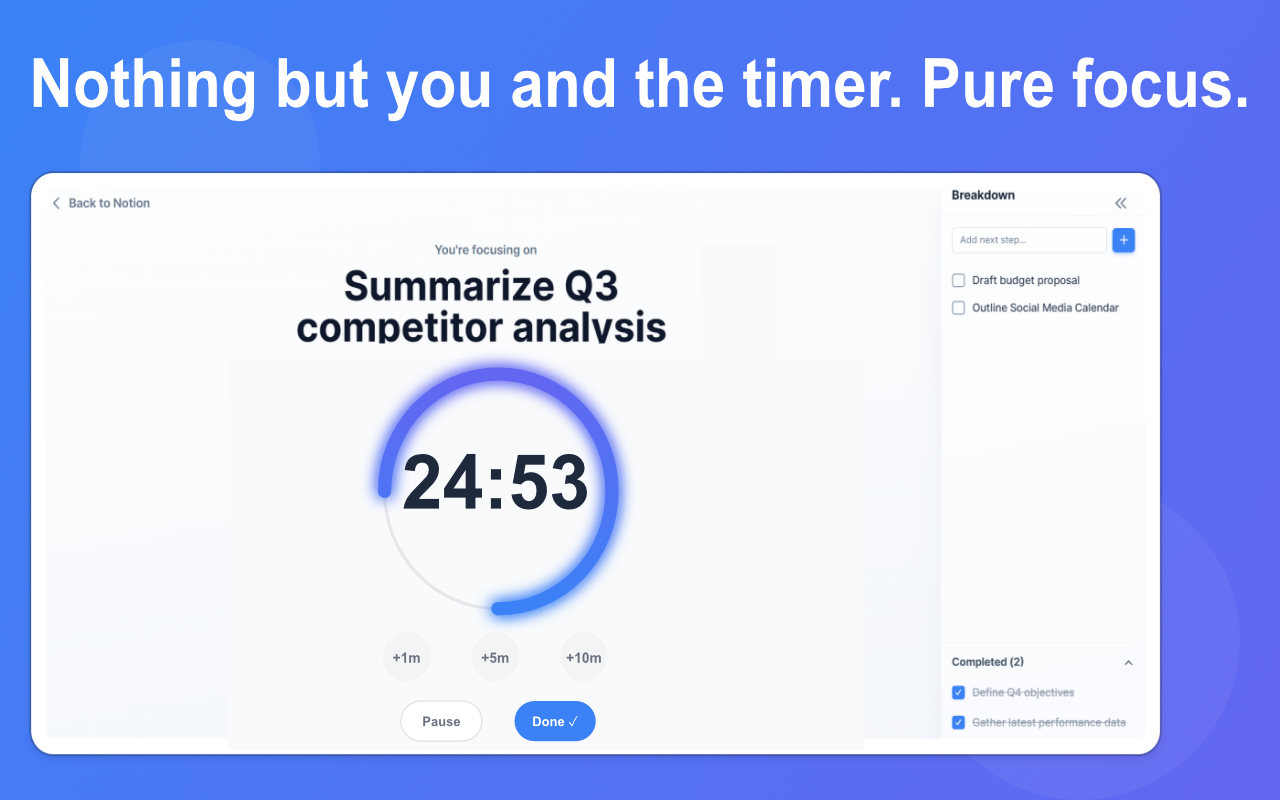
2. Enter Focus Mode
Everything else disappears.
Just you, a timer, and the task.
The world can wait 25 minutes.
3. Complete it. Celebrate it.
Finish the task → get a dopamine boost.
Then: Start the next one. Or take a break.
That's it. No complex setup. No learning curve.
Just focus when you need it most.
Ready to stop planning and start working?
Install Akarnu. Pick a task. Focus for 5 minutes.
That's a win.